Name the deliverable
If the result is an audio clip for a video, lesson, or announcement, follow path A. If the result is an application that accepts text and returns speech, follow path B.
Start here
If you are asking how can i create a voice generator, first decide whether you need spoken audio for a project or software that produces speech. The first path starts with a script and a voice tool; the second involves building and testing a text-to-speech application.

Use your intended output to choose a path before selecting tools or writing code.
If the result is an audio clip for a video, lesson, or announcement, follow path A. If the result is an application that accepts text and returns speech, follow path B.
Write down the intended audience, script length, pronunciation needs, and whether the voice must resemble a particular person. A recognizable person’s voice calls for clear permission, not just a technical method.
Prepare two sentences: one ordinary sentence and one containing a name, number, or abbreviation. These reveal clarity and pronunciation problems faster than a long script.
These guides cover nearby tasks without treating audio creation and application development as the same job.
See how a written script becomes spoken audio and what to check in the result.
Follow a device-focused workflow when you need to prepare and review speech on an iPhone.
Explore sample use cases before deciding what your first voiceover should say.
Choose this path when you need a usable recording rather than an application you maintain.
Path A: create audio
A spoken clip for a defined script and audience.
Path B: build an application
A repeatable process that turns new text into speech.
Path A: create audio
A short script with names and pronunciations checked.
Path B: build an application
Input text, an interface plan, and access to a permitted speech engine.
Path A: create audio
Enter the script, select a suitable voice if available, and listen.
Path B: build an application
Connect text input to a speech engine and play its response.
Path A: create audio
Edit wording and punctuation, then compare another reading.
Path B: build an application
Test input handling, failures, latency, and speech quality.
Path A: create audio
Unclear words, awkward pacing, or an unsuitable voice.
Path B: build an application
Unexpected behavior, usage restrictions, or unreliable output.
Path A: create audio
Use a voice and script you are entitled to use.
Path B: build an application
Check the engine’s terms, voice rights, and treatment of submitted text.
Path A: create audio
The full clip is understandable in its intended setting.
Path B: build an application
A new user can submit text and receive understandable speech consistently.
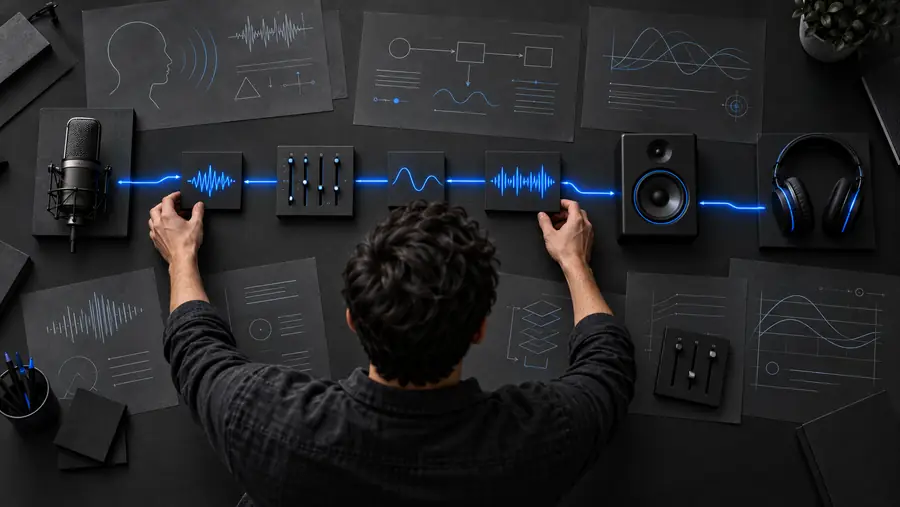
Treat the interface, speech engine, and playback as separate parts. The images illustrate planning stages, not an actual audio comparison.
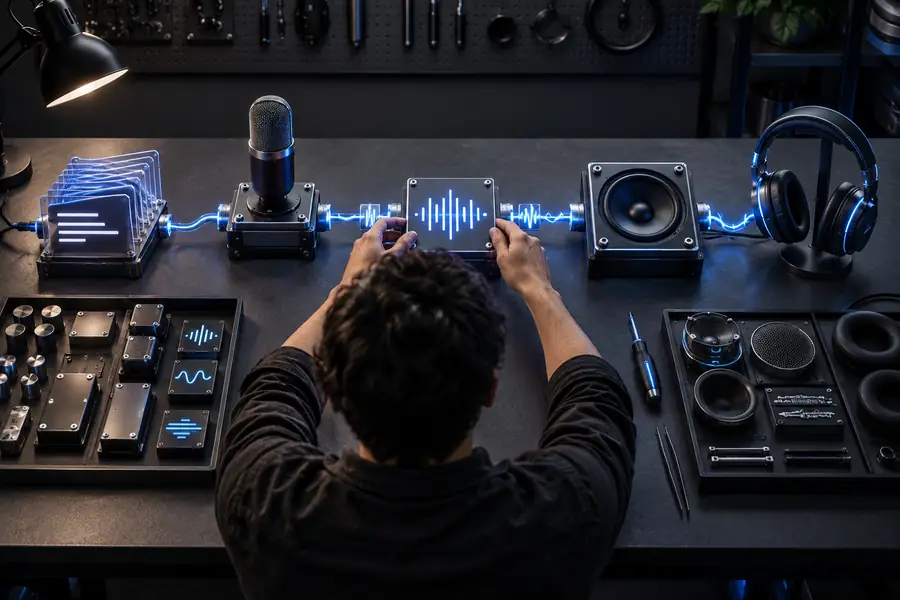
For a basic build, accept text, pass it to a speech engine under its permitted terms, and provide playback. Validate empty or excessive input, handle engine errors, and listen to the returned speech. Do not treat the illustrations as proof of a specific tool’s output.
A small, specific use case makes either path easier to evaluate before you expand it.
Write a brief introduction for a short edit, leaving space for pauses and scene changes.
Review the voiceover against the visuals; revise crowded sentences rather than assuming a different voice will fix the timing.
voice generator for editsDraft a venue announcement with the location, time, and one clear instruction.
Check names and numbers aloud, then listen from the perspective of someone hearing the message only once.
announcement voice generatorPrepare a short script on an iPhone before choosing where to generate or review the speech.
Keep a copy of the approved wording so a correction does not require reconstructing the entire message.
how to use voice generator iosPrototype text input and playback with two test sentences before adding more controls.
Compare clarity, error handling, and voice rights before deciding whether a speech engine fits the application.
text to voice generatorRead your test script once without audio, then listen without looking at the text. Confirm that names, numbers, and pauses make sense to a new listener. If you are building an application, repeat the test with fresh input and an invalid input to check both the successful result and the failure message. Voicegenerator can help you explore a voiceover idea; verify available controls and output options in the tool you use.
Decide whether you mean producing a voiceover or building software that produces speech. For a voiceover, write a short script, try a suitable text-to-speech workflow, and review the audio. For software, create a text input, connect it to a speech engine you are permitted to use, and test playback and errors.
Not if your goal is a spoken clip rather than your own application. You still need to prepare the script, check pronunciation, and listen to the entire result before using it.
At minimum, you need a way to accept text, a speech engine, and a way to play the returned audio. Plan for empty inputs, failed requests, and any usage or voice-rights restrictions. Test with unfamiliar names and numbers as well as ordinary sentences.
Some speech systems may support custom or person-like voices, but capability does not establish permission. Get clear authorization before using a recognizable person’s voice, and check the speech engine’s rules for creating and distributing that output.
Listen without reading the script and check that every word is understandable in the intended setting. For an app, also test new text, invalid input, and what happens when the speech engine does not respond. Revise the wording or workflow until those checks pass.