Write for the ear
Begin with two or three sentences. Replace long clauses with shorter ones, spell out ambiguous numbers, and put punctuation where a speaker should pause.
Human-sounding narration
If you searched for realistic ai voice generator free, start with a short passage you know well. Voicegenerator can help you explore a voice workflow; judge the result by listening for clear words, believable pauses, and a tone that fits your audience.

A natural read depends on three choices: a voice that suits the audience, a script written for speaking, and a pace that leaves room for meaning. These nearby guides cover different goals.
Explore a deliberately synthetic sound when a human-like delivery would miss the point.
Consider creature-style character audio and the questions to ask about access.
Follow the basic path from written copy to a spoken draft.
A voice generator cannot infer every intention from text alone. Treat the first result as a draft to review, not proof that a recording is ready to publish.
A plausible-sounding read can still pronounce a surname, acronym, or product name incorrectly. This matters most when listeners have no text to check against.
WorkaroundSpell out abbreviations and test difficult names in a short sample before preparing the full script.
The same sentence might need reassurance, excitement, or restraint. A voice may sound smooth while conveying the wrong intention.
WorkaroundWrite shorter sentences, choose words that carry the intended tone, and listen without reading along.
A search containing “free” does not establish that a particular voice, duration, export option, or commercial use is included. Available terms can differ by service.
WorkaroundCheck the destination’s current access and usage terms before relying on a voice for a project.
Natural-sounding output is not permission to imitate an identifiable person or present generated speech as their genuine recording.
WorkaroundUse voices you have permission to use and identify synthetic narration when the context calls for it.
Work in short passes so you can identify whether the script, delivery, or voice choice needs attention.
Begin with two or three sentences. Replace long clauses with shorter ones, spell out ambiguous numbers, and put punctuation where a speaker should pause.
Specify the audience and a simple direction such as calm, conversational, or confident. Avoid stacking conflicting instructions that make the intended read hard to judge.
Play the passage without looking at the script. Mark any rushed phrase, awkward emphasis, or mispronunciation; change one thing and compare the next result.
A before-and-after check is most useful when it shows what you changed. Better punctuation and phrasing can make a read easier to follow without promising a particular audio result.
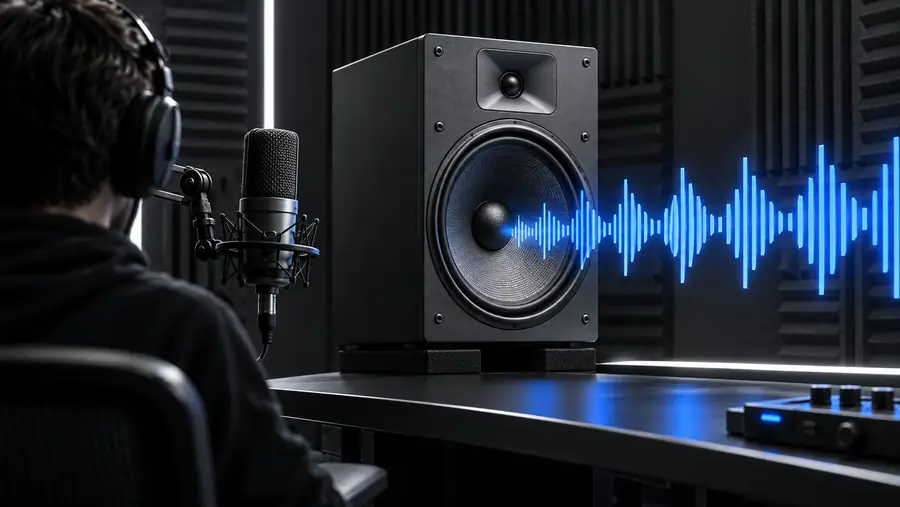
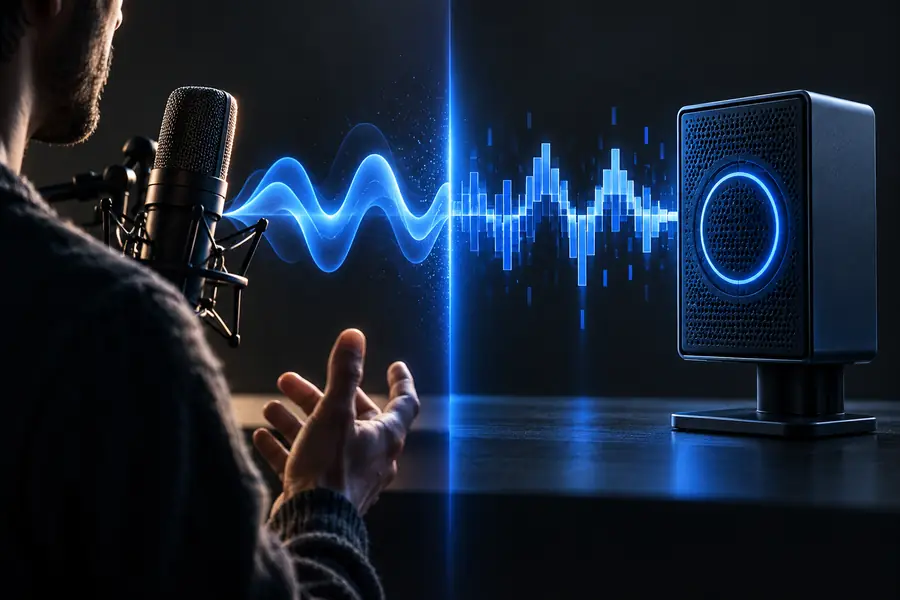
Illustrative comparison, not recordings or verified output from the linked service.
“Realistic” is not a single style. Decide what listeners need to understand or feel, then test a short passage against that purpose.
An instructional clip introduces unfamiliar terms and needs a measured pace.
Try a conversational script first; if the job is primarily turning written copy into speech, compare the basic text-to-voice workflow.
text to voice generatorA futuristic interface needs an intentionally artificial announcement.
A human-like read may weaken the setting; compare it with a deliberately mechanical voice direction.
robot voice generatorA fantasy scene switches from ordinary narration to a creature’s line.
Keep the narrator clear, then explore a separate character treatment rather than forcing one voice to do both jobs.
monster voice generator freeTake a short excerpt with a name, a pause, and a change in emphasis. Use it to assess clarity and tone, then check the available voice and usage options before committing to a longer recording.
A search result may describe an entry point as free without telling you which voices, lengths, or output options are included. Check the destination’s current terms before planning a project around a particular level of access.
Listeners often notice pacing, pronunciation, emphasis, and whether pauses fit the sentence. A well-written spoken script helps you evaluate those qualities more fairly than a dense paragraph.
Unfamiliar names and abbreviations may have several plausible readings. Test them in a short passage and revise the spelling or surrounding wording if the first read is unclear.
It can be useful for evaluating narration, but suitability depends on the recording you hear and the terms that apply to its use. Review the full script for errors, confirm your usage rights, and avoid implying that synthetic speech is a real person’s recording.